Track mileage automatically
Get started
How to Keep an IRS-Compliant Mileage Log for Taxes
In this article
- What is an IRS-compliant mileage log?
- What counts as business mileage?
- Who needs to keep a mileage log?
- What does the IRS actually require you to record?
- What format can you use for your mileage log?
- Mileage tracking apps — and why they hold up better in an audit
- How often should you update your mileage log?
- Keeping a mileage log for employer reimbursement
- Common mileage log mistakes that get deductions denied
- How long do you need to keep your mileage records?
- What happens if the IRS audits your mileage?
- Keep it simple, keep it consistent
- FAQ
- What is an IRS-compliant mileage log?
- What counts as business mileage?
- Who needs to keep a mileage log?
- What does the IRS actually require you to record?
- What format can you use for your mileage log?
- Mileage tracking apps — and why they hold up better in an audit
- How often should you update your mileage log?
- Keeping a mileage log for employer reimbursement
- Common mileage log mistakes that get deductions denied
- How long do you need to keep your mileage records?
- What happens if the IRS audits your mileage?
- Keep it simple, keep it consistent
- FAQ
Keeping a tax-compliant mileage log can be the difference between ensuring you receive the maximum tax deduction for your mileage, or missing out on the money you’re entitled to.
In this article, we’ll take you through the practical steps of how to track mileage for taxes, different logging solutions, and what to pay attention to.
What is an IRS-compliant mileage log?
A mileage log is a record of your business-related driving. The IRS uses it to verify that the miles you're deducting or claiming for reimbursement were actually driven for business — not personal — purposes.
The IRS doesn't prescribe a specific format. What it does require is that your records meet the "adequate records" standard set out in IRS Publication 463. Any log — paper, spreadsheet, or app — that captures the required information qualifies.

Mileage tracking made easy
Trusted by millions of drivers
Automate your logbook Automate your logbook
Automatic mileage tracking and IRS-compliant reporting.
Get started for free Get started for freeWhat counts as business mileage?
Business mileage covers driving you do as part of your work. Common examples include:
- Travelling to client meetings or job sites
- Driving between two work locations
- Running business errands (picking up supplies, going to the bank for work purposes)
- Driving to a temporary work location
Your regular journey from home to your primary workplace is not business mileage, even if you're driving to do work. The IRS considers it personal travel, and it can't be deducted or reimbursed tax-free.
Who needs to keep a mileage log?
You need a mileage log if you:
- Are self-employed and claiming a vehicle deduction on your tax return
- Drive your personal vehicle for work and receive mileage reimbursement from an employer
- Claim any vehicle expenses using the standard mileage rate method
- Use the actual expense method and need to prove the business portion of your driving
If you drive for work in any capacity and want the associated tax benefit, a log is your proof.
What does the IRS actually require you to record?
The specifics come from IRS Publication 463, Chapter 5, which sets out the "adequate records" standard for vehicle expenses.
The four required fields for every trip
Every business trip in your log must include:
- Miles driven — the distance covered on that specific trip, not a running total
- Date — when the trip took place
- Destination — where you went (an address or the name of the place is sufficient)
- Business purpose — why the trip was necessary for your work
That last one catches people out. "Client visit" or "work errand" isn't enough. The IRS expects something specific: "Meeting with [client name] to discuss [project]" or "Picked up office supplies from [store]." Vague entries are one of the most common reasons deductions get challenged.
Odometer readings: what's required vs. what's best practice
The IRS only requires odometer readings at two points: the start and end of each tax year, and whenever you begin using a new vehicle for business. You don't need to record start and end odometer readings for every individual trip.
That said, logging per-trip odometer readings is a smart habit. It gives auditors a concrete way to verify your mileage figures, and it makes your log much harder to dispute. Many mileage tracking apps do this automatically.
What "contemporaneous" means — and why it matters
The IRS requires records to be created "at or near the time" of the trip. This is called the contemporaneous requirement, and it's arguably the most important rule in the whole framework.
Logs reconstructed weeks or months after the fact from memory are treated with suspicion and are frequently rejected. The IRS explicitly notes that reconstructed records carry less weight. A log written up at the end of the year from calendar appointments and rough estimates is far more likely to be challenged than one maintained trip by trip throughout the year.
In practice, "at or near the time" means logging trips the same day, or at least within a few days. The IRS mileage log requirements guide notes that a weekly log is explicitly considered timely under Publication 463 — so if daily logging feels like too much, once a week is the minimum you should aim for.
What format can you use for your mileage log?
The IRS doesn't care about format. Paper, spreadsheet, or app: all are acceptable, as long as the required information is present. Here's how the main options compare in practice.
Paper mileage log books
A physical logbook kept in your car is the old-school approach. It works, and it has one advantage: it's always where you need it. The downsides are significant, though. Paper logs are easy to lose, can't be backed up, and require you to manually calculate totals. If the IRS asks for records, handing over a worn notebook isn't ideal.
Spreadsheets and templates
An Excel, Google Sheets, or PDF template is a step up from paper. Your data is stored digitally and easy to share. You still need to fill it in manually after each trip, which is where most people fall behind. If a spreadsheet works for your volume of driving, you can download a free IRS mileage log template to get the format right from the start.

Mileage tracking apps — and why they hold up better in an audit
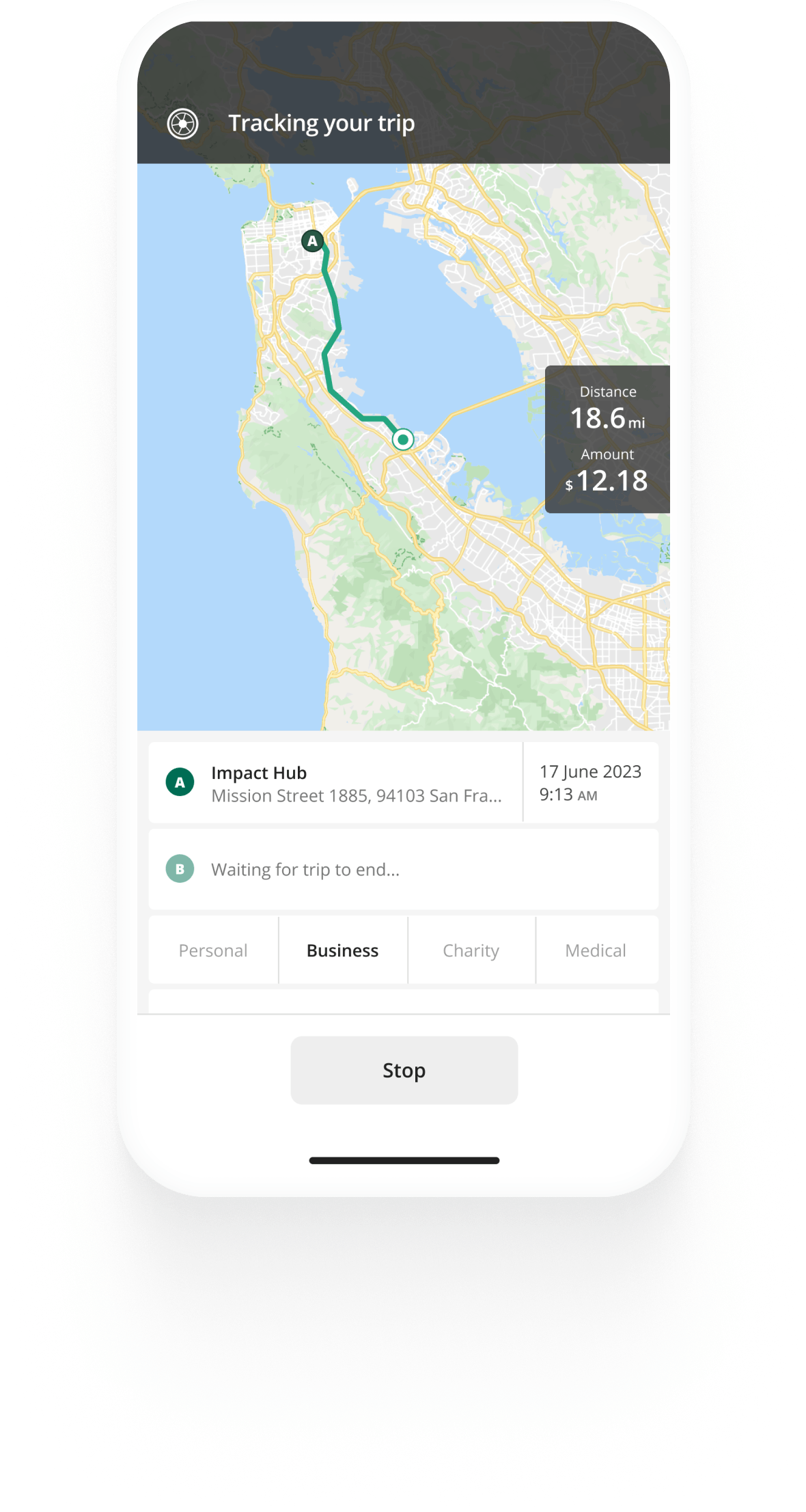
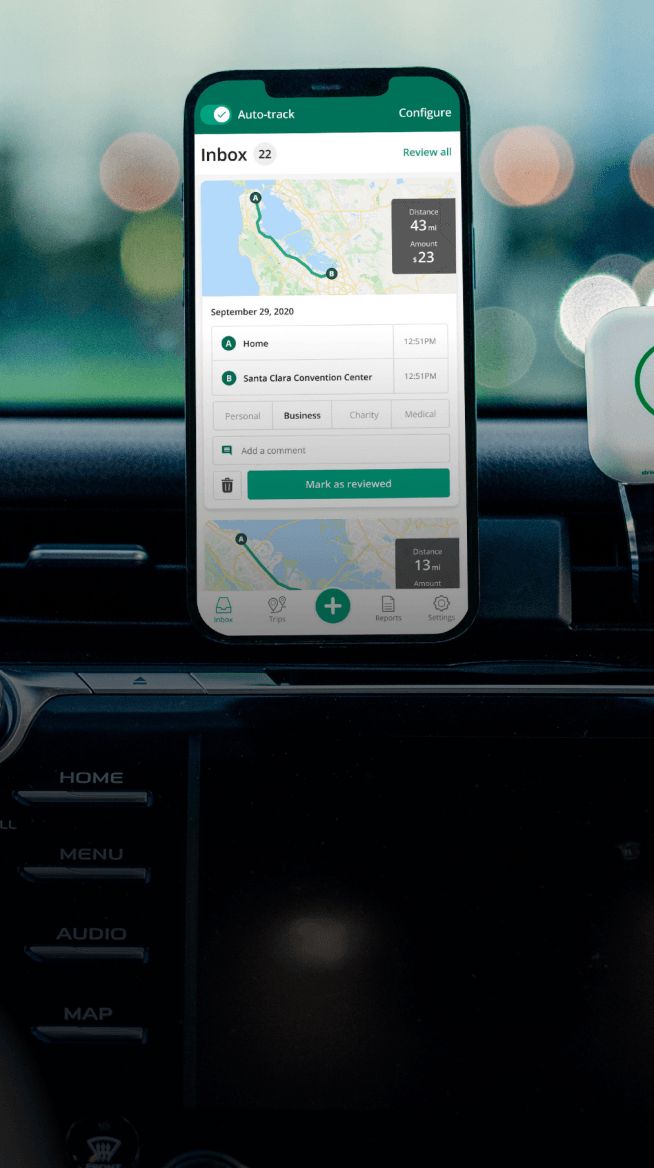
A mileage tracking app is a very defensible format in an audit, for one key reason: timestamps. When your trips are automatically recorded at the time of driving — with GPS-verified routes, start and end points, and precise distances — there's no question about whether the records are contemporaneous. An auditor can see exactly when each trip was logged.
Apps like Driversnote also help separate business and personal driving automatically, calculate your deduction using the current IRS rate, and generate a ready-to-export report at tax time. One US user put it well in a review: their tax professional "was even amazed how thorough and clear" the report was, and started recommending the app to their own clients.
For anyone driving for work regularly, an app removes the main failure point of manual logging: forgetting.
How often should you update your mileage log?
As often as possible. The IRS's "at or near the time" standard means the closer your entries are to the actual trip, the better.
The "at or near the time" rule in practice
Daily is ideal. Weekly is the minimum the IRS explicitly considers timely. Monthly is a risk. Quarterly or year-end reconstruction is a serious problem.
The reason isn't bureaucratic; it's practical. Destination addresses, the specific purpose of a trip, and accurate mileage figures are hard to recall with accuracy weeks later. The longer you wait, the more your log starts to look like an estimate rather than a record. Estimates don't hold up under scrutiny.
What if you fall behind?
If you've missed a stretch of trips, don't panic. But don't guess either. Use supporting evidence to reconstruct what you can: calendar appointments, client emails, receipts, and GPS history can all help establish where you went and why. Be conservative with mileage figures you can't verify. A partial log with honest gaps is more credible than a suspiciously complete one created from memory.
Going forward, an automatic tracking app solves this entirely. It runs in the background and logs every drive without you needing to remember.
Keeping a mileage log for employer reimbursement
If you drive your personal vehicle for work and your employer reimburses you, the same four-field requirement applies to your log.
What employers typically require beyond the IRS minimum
Employers often want more detail than the IRS requires. Many ask for per-trip odometer readings, a specific format (such as a company template or a particular app), or submission on a set schedule — weekly or monthly rather than annually.
Your employer should tell you their requirements before you start logging. If they haven't, ask. It's easier to set up the right system from the beginning than to reformat months of records later.
Are you reimbursed above the IRS rate? Here's what to know
The 2026 IRS standard mileage rate is 72.5 cents per mile for business driving. If your employer reimburses you at exactly this rate or below, the reimbursement is tax-free.
If your employer pays above the IRS rate (say, 80 cents per mile), the excess (7.5 cents per mile in this example) is taxable income and needs to be reported as wages. Your mileage log remains your proof that the underlying miles were legitimately driven for business.
Keep your own copies, even when your employer holds the records
If you submit mileage reports to your employer and they keep the records, keep copies for yourself too. If your employer is ever audited, the IRS may request your personal records. You want your own documentation on hand regardless of what your employer holds. Store digital copies somewhere you can access them independently.
Common mileage log mistakes that get deductions denied
Even well-intentioned logs can have problems. These are the errors auditors look for most often:
- Vague trip purposes. "Business travel" or "work meeting" isn't enough. Include who you met, what the errand was, or what the business reason was specifically.
- Rounded or estimated mileage. Every trip showing exactly 10, 20, or 50 miles is a red flag. Real trips have varied, precise distances. Use actual mileage from a GPS reading or app, not estimates.
- Including commuting miles. Your regular home-to-office commute is never deductible, even if you do work while you're driving. If your first stop of the day is a client site rather than your usual office, that portion may qualify — but the rules here are specific. When in doubt, check the IRS guidelines on how to claim your mileage on taxes.
- Mixing personal and business miles without separation. If you use one vehicle for both, you need records of all driving — not just business trips — so the business percentage is defensible.
- Reconstructed logs. A log that appears to have been written all at once (consistent handwriting, no variation, no corrections) raises immediate questions about whether it was actually maintained contemporaneously.
How long do you need to keep your mileage records?
Generally, three years from the date you file your tax return for the year in which you claimed the deduction. A return filed early is treated as filed on the due date for this purpose.
There are situations where you'll want to keep records longer. If you claim a loss, or if you fail to report income that's more than 25% of what you reported, the IRS has up to six years to audit you. In fraud cases, there's no time limit at all.
The practical approach: keep mileage records for at least four years, and if anything on your return is complex or disputed, keep them for seven.
What happens if the IRS audits your mileage?
Vehicle expenses are one of the most commonly claimed deductions, which is why mileage records get close attention when returns are examined. If your deduction is questioned, the IRS will ask you to produce your mileage log.
What they're looking for: contemporaneous records with the four required fields for every trip, consistent with the total you claimed, and supported by any corroborating evidence you have — calendar entries, receipts, appointment records.
What gets deductions disallowed: missing records, logs that appear to be created after the fact, vague trip purposes, mileage totals that can't be substantiated, or a log that shows only business trips with no context for total vehicle use.
A well-maintained log, especially one produced automatically by a tracking app with GPS timestamps, is by far your best protection. The IRS accepts digital logs readily, and in practice they're easier to audit-proof than paper records because they're harder to fabricate.
Keep it simple, keep it consistent
The IRS's four required fields (miles, date, destination, business purpose) aren't a burden if you build the habit of logging trips as you go. The biggest mistake isn't getting one entry wrong; it's letting weeks pass and then trying to reconstruct everything at once.
If you're driving for work regularly, an automatic mileage tracker takes the whole task off your plate. Driversnote logs every trip in the background, separates business and personal driving, and generates a report you can hand to your accountant or submit to your employer. Already in an IRS-compliant format, already accurate, already done.
For a full breakdown of what the IRS requires at each level of detail, see the IRS mileage guide.
Note: If you’re located in California, you should also check our dedicated article on California mileage reimbursement, as the rules differ.
Keep in mind that this is a general overview of how to keep a mileage log book. The information here should be supplemented with information from your accountant, employer, and the official IRS website.
FAQ
Tired of logging mileage by hand?
Effortless. IRS-compliant. Liberating.
Top posts
Related posts
.svg)
Free IRS Mileage Log Template - PDF, Excel and Sheets versions
Latest update: January 9, 2026 - 2 min read
Download the free 2026 mileage log template as PDF, Sheet, or Excel and keep track of your trips. Get your free printable mileage log.

Mileage Log Requirements
Latest update: March 25, 2026 - 5 min read
For mileage claims, you should track the time, miles, place, and purpose of each work trip. Get an overview of mileage log requirements.

IRS Mileage Guide
Latest update: May 6, 2026 - 10 min read
Mileage reimbursement in the US — rates and rules for employees, self-employed and employers in the U.S.